(855) 771-3154
A mediocre WiFi router can hold back your entire network’s performance. Sudden speed drops, weak signal, buffering, and lag become a constant frustration, especially during peak streaming hours.
That’s why investing in a high-quality WiFi router is just as important as choosing the right internet plan. To help you make the right choice, we have rounded up a list of highly recommended WiFi routers for streaming in 2026. So, let’s dive in:
Top Recommended WiFi Routers for Streaming
TP-Link Archer BE550
| What We Liked | What Needs Improvement |
|---|---|
Tri-band WiFi 7 technology Easy to set up and use Solid mesh compatibility (with TP-Link devices only) Reduced jitter | Packet management to curb loss Signal strength to minimize signal drops |
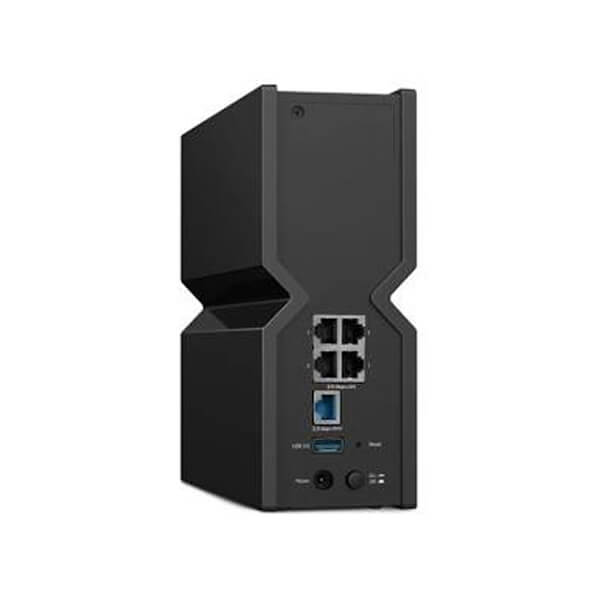
Bringing the power of WiFi 7 technology, the Archer BE550 is an excellent choice for home internet networks. The latest technology combined with tri-band boost makes it super-reliable. However, the striking element is price, bringing more Mbps per penny.
Moreover, you can get the most out of it for streaming needs by pairing it with existing TP-Link gateways to create a mesh network. Doing this minimizes the chances of random signal drops, as well as reduced packet loss.
Speaking of streaming, the BE550 gives an outstanding performance with more than 1.8 Gbps throughput speed, enough for a 4K streaming experience. Even on 2.4 GHz, it managed to pull 127 Mbps, enough for running binary tasks such as emailing, browsing, etc., in far corners of your house.
Lastly, it features band steering, or, as TP-Link terms it, ‘smart/ adaptive steering’ (switching between 2.4 GHz, 5 GHz and 6 GHz bands automatically). This feature automatically picks the best frequency to give you minimal to no lag, making your streams flow like butter.
Our Verdict:
The BE550 is highly recommended for users who want to experience fast throughput speeds for binge-watching sessions. Though it faces signal drops at times, the performance can keep up with the user requirements with ease.
TP-Link Archer AXE75
| What We Liked | What Needs Improvement |
|---|---|
Tri-band supported technology Pre-Installed VPN Client Anti-malware tools Wireless parental controls | Should add multi-gig ports Should improve file transfer speed |
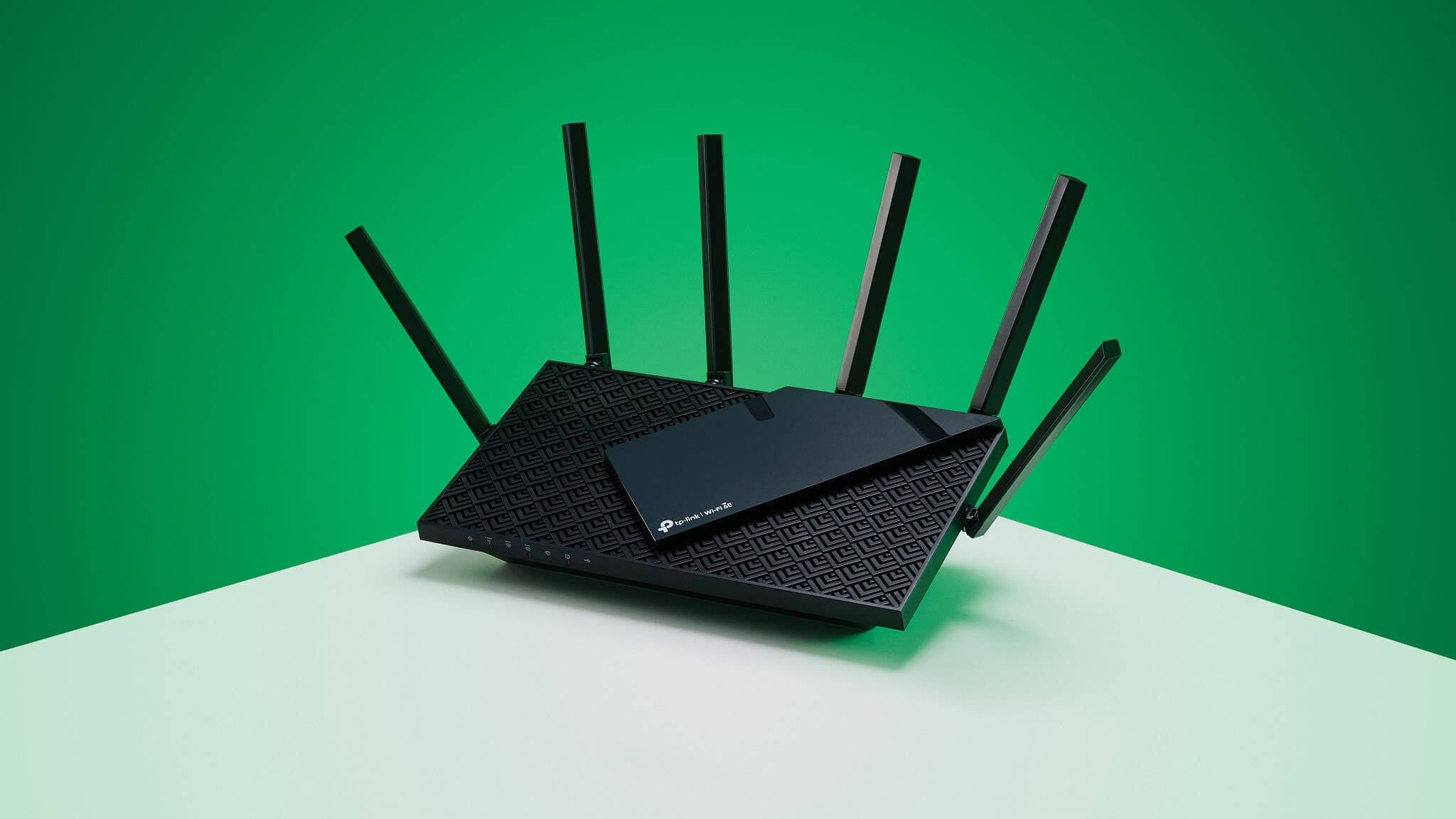
Another gem from TP-Link, the AXE75 is a budget-friendly option that will last for years while offering steadfast performance. It’s equipped with tri-band technology, and you get the best of its workability through band steering as well.
Reaching more than 2 Gbps, the OFDMA (orthogonal frequency-division multiple access) enables it to perform exceptionally for high-end tasks such as 4K streaming. It also houses a 160 MHz channel bandwidth with beamforming and Dynamic Frequency Selection (DFS), making it stand out as an optimal choice.
What’s intriguing is its arsenal of built-in features, including VPN and parental controls, which give it more value. With a further subscription to HomeShield Pro, you can get access to a wide range of controls.
Our Verdict
With great speed and coverage, the AXE75 is surely a top-recommended choice for your streaming sessions. With added beamforming, it broadcasts the signals directly to your devices so there’s little to no chance of signal disruption, ideal for buffer-free entertainment.
Asus RT-BE96U
| What We Liked | What Needs Improvement |
|---|---|
Strong throughput Smooth 6 GHz transmission Gigabit LAN and WAN port 340 MHz channel bandwidth Built-in parental and security controls | Massive in size for a router Expensive for home users unless necessary |
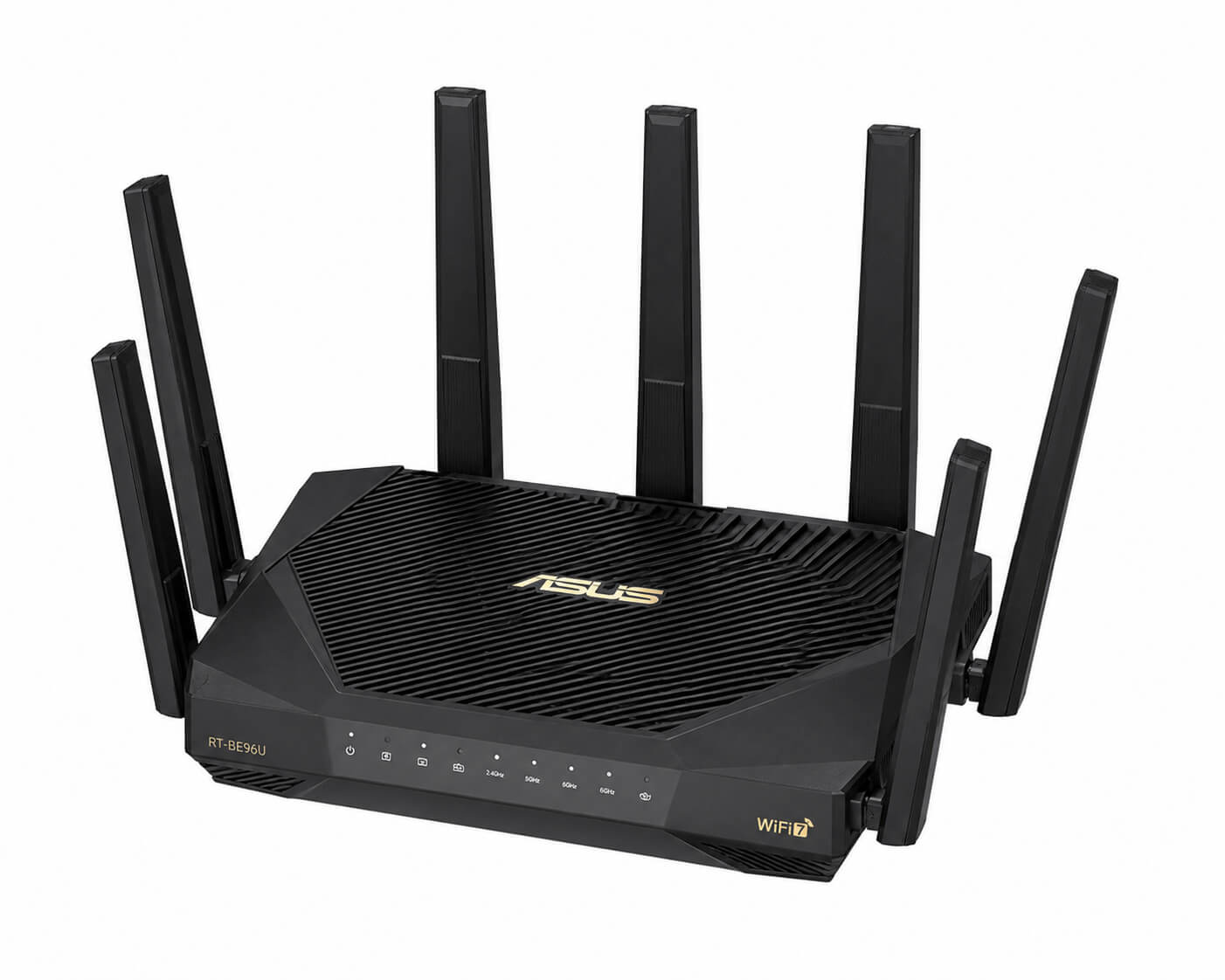
Manufactured by Asus, it comes with outstanding performance that is second to none. One of the highlighting features about this router is its amazing throughput even at the 6 GHz band, which gets you value for money.
It has 8 antennas, which makes whole-home coverage a piece of cake for it. In addition, it houses features including MU-MIMO, QoS, beamforming, and more, making it ideal for superb network control.
If that’s not convincing, then perhaps its 11 Gbps speed should stun you! That’s right, it has been tested to reach over 11 Gbps on its 6 GHz band and a combined throughput of 19 Gbps (all bands).
Our Verdict:
This router has ample power to stream even in 8K, given you have the right internet plan and speed to empower it. However, it’s pretty expensive, and for home internet users on a budget, this might not be a suitable choice.
NETGEAR Nighthawk RS700S
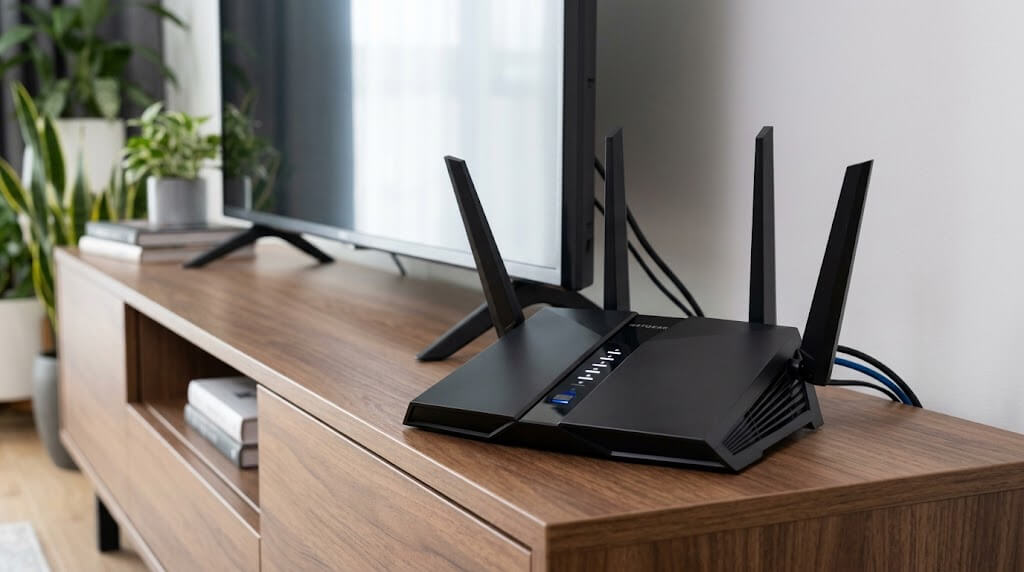
| What We Liked | What Needs Improvement |
|---|---|
WiFi 7 compatible Up to 19 Gbps throughput speed More than 3000 sq ft. coverage Supports numerous device connectivity | Expensive for small homes |
When it comes to streaming, it all comes down to connectivity, followed by speed. But why connectivity? In most cases, people want to stream videos on their smart TVs, and if it’s a wireless connection, you need to have a mesh network to ensure seamlessness. That is what the RS700S guarantees.
Equipped with MU-MIMO and beamforming, the RS700S offers outstanding and dependable performance that can support 8K streaming with ease. It’s also powered by a 2.6 GHz quad-core processor made to enhance its processing efficiency.
A plus point is the enhanced WPA3 encryption as well as built-in VPN support. However, the real deal is its 360o coverage. With this, it offers more than 3000 sq ft. of whole-house coverage, guaranteeing signal strength for every corner.
Our Verdict:
Even though the RS700S is an excellent device, it comes with a bigger price tag. It’s suitable for large homes and plans with higher speeds to capitalize on its performance. If you fall in this category, then don’t miss out on buying it.
Tips to Avoid Buffering and Lag During Streaming
While a solid WiFi router will definitely amp up your streaming experience, here are some helpful tips that you can follow to minimize buffering and lag:
Use a Wired Connection
A powerful WiFi creates a seamless wireless network; however, a wired one is not prone to coverage issues or signal drops. Connecting a LAN from your router to your streaming device can surely improve speed, making your streaming effortlessly smooth.
Avoid Downloads Alongside Streaming
Unless you have gigabit speeds and a high-end configuration for managing downloads, it’s better to pause downloads if you’re streaming. In most cases, routers are configured to complete tasks, and for that, they can allocate bandwidth and speed as required. Having a download in the background will most likely consume the entire speed, resulting in buffering.
Download Instead of Streaming
We all know how bad buffering looks, especially when the actions at its peak. Instead of streaming content, use your internet speed to download the content. Yes, it can take space as well as consume data, but if you have an internet connection without a data cap and with great speed, downloading the content will be much better.
Disconnect Idle Devices
Don’t let ghost devices consume your internet speed. While some networks and even routers are configured to put idle devices into dormant mode, it’s better to disconnect them to avoid any sort of disruption.
Best Internet Providers for Streaming
| Provider | Connection Type | Speed | Availability | |
|---|---|---|---|---|
 | Fiber | Up to 5 Gbps | 21 states | Explore Plans |
 | Fiber | Up to 2 Gbps | 21 states | Explore Plans |
 | Fiber | Up to 2 Gbps | 18 states | Explore Plans |
 | Hybrid Fiber Coaxial | 7 Gbps (in select markets) | 40+ states | Explore Plans |
 | Hybrid Fiber Coaxial | 2 Gbps (in select markets) | 40+ states | Explore Plans |
Discover Top Recommended Internet Providers For Streaming Near You
Closing Note
A solid WiFi router can surely improve connectivity, boost device speeds, and guarantee coverage- everything required for smooth streaming. So, evaluate your budget, choose from the options given above, or explore the market with the must-have features (price, bandwidth, technology, etc.) in mind.