(866) 996-2797
How to Optimize Your Home Wi-Fi: A Complete Step-by-Step Guide
Internet Essentials for a Home Office


Assemble all freelancers, remote workers, and online entrepreneurs! Creating the perfect home office environment has many layers, but let’s focus on the most important aspect – the Internet.
Your home office network should effortlessly support all your work-related online operations – if not, you could end up missing deadlines and losing amazing opportunities. Besides, an unreliable internet connection is pretty much a death sentence to your productivity.
Therefore, that portable coffee machine and fancy keyboard can wait. Let’s focus on the internet essentials first, and make sure nothing comes between you and your livelihood.
Internet Essentials for Your Home Office
People from many different professions work from home, so each individual's home network requirements may vary significantly. Determining your internet requirements is the first step in creating a productive home office.

Not sure about your internet requirements? No problem at all! You’ll figure it out as we discuss your Home Office Internet Essentials in detail:
1. Reliable Internet Provider
The success rate of your remote work heavily depends upon your Internet service provider (ISP). What kind of internet connection are you getting? Is it consistent and flexible enough to fulfill your internet needs?
Need a little help choosing an ISP?
Check out our First Time Internet Buyer’s Guide
You should sign up with an ISP that is least prone to internet outages and is known to provide efficient + effective customer service. Explore different ISPs in your area, see what existing customers are saying about them, and compare the best deals.
2. Suitable Internet Plan
Each ISP offers a variety of internet plans to accommodate different types of users and households. When you’re working from home, you may need fast internet to download heavy files and upload data quickly. One might prioritize low-latency internet so video conferences with coworkers run smoothly; clear audio and high-resolution video are appreciated, right?
Furthermore, it’s vital to be mindful of how much data you need. Many ISPs impose data caps on their internet plans, so users experience speed throttling when they exhaust the limit. Some ISPs may even charge extra for additional data allowance.
Can’t decide which internet plan is right for you? Discover the Fundamentals of the Best Internet for Working from Home
Sharing your home network with several family members or housemates is likely to raise the demand for internet resources. Higher download and upload speeds, greater bandwidth, and unlimited data can support a greater number of users and devices on the network.
3. Competent Router + Modem or Gateway
You cannot access the internet without the necessary equipment. The modem connects you to your ISP, and the router allows you to use the internet on multiple devices via ethernet or Wi-Fi. However, you can also opt for a combination device referred to as a gateway – it’s a modem and router in one!
Read the In-Depth Review: Modem Router Combo vs. Separate: Which One to Choose
Your ISP will provide you with a modem and router or gateway; this arrangement is convenient, but rental fees are applicable. Many users prefer to buy their own internet equipment to improve network performance and save money in the long run.
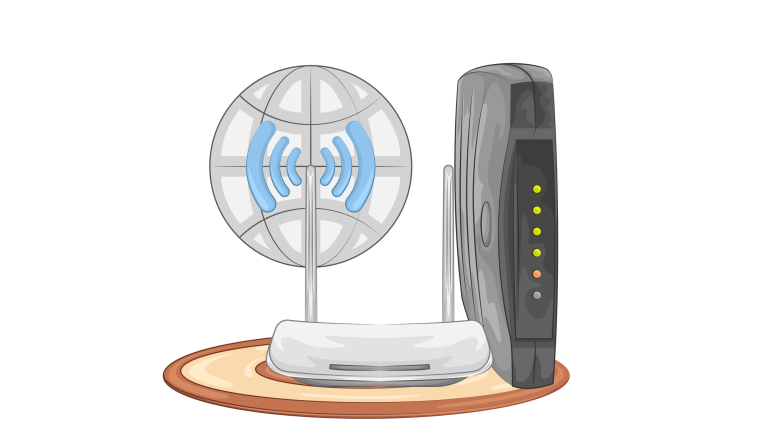
The average life span of modems and routers is up to five years. While purchasing these devices costs more initially, you pay a lot more when you rent them out for the long term. Buying your own equipment can be cost-effective, but is it worth it?
When buying a router, modem, or gateway, do your research beforehand. The equipment you choose for your home network should be compatible with your ISP and chosen internet plan. For example, if you have subscribed to a gig-speed internet plan for connecting 20+ devices, you’ll need a powerful router to ensure optimum speed and performance on all the devices.
The variety of routers on the market can be overwhelming, so understanding the different technologies and their capabilities is recommended to make the right choice.
4. Spare Ethernet/USB Cables
A wired connection between your router and computer can provide a faster and stabler connection as compared to Wi-Fi. Therefore, when performing data-heavy work tasks, it’s best to switch to ethernet (or USB cable connection).
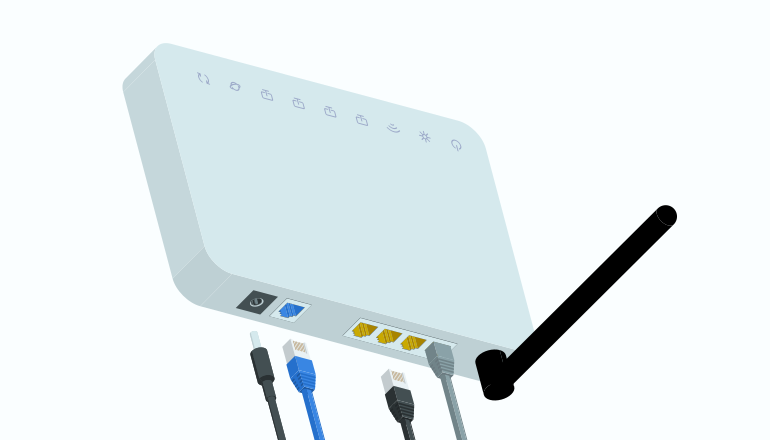
Working on Wi-Fi is typically convenient for mobile devices, as you don’t need to stay in one place. However, when you’re facing signal drops or interference, having an ethernet or USB cable handy can be incredibly reassuring.
5. Wi-Fi Extenders or Mesh Wi-Fi System
Having a home office does not mean restricting yourself to a single room all day. If you live in a big house and prefer to work from different locations from time to time, widespread Wi-Fi coverage would be to your benefit.
Typically, the farther away you are from a traditional router, the poorer the Wi-Fi signals. If you want uniform and exceptional Wi-Fi coverage throughout your living space, consider installing Wi-Fi extenders or a Mesh Wi-Fi system.
Inside Scoop: Mesh Wi-Fi vs. Traditional Routers - Which is Better?
6. Network Security Tools
Working remotely comes with greater responsibility for network security. Relying on an employer to provide network security tools may not be an option. Whether you’re a freelancer or part of a remote team, you may possess confidential or sensitive data that needs to be protected at all costs.
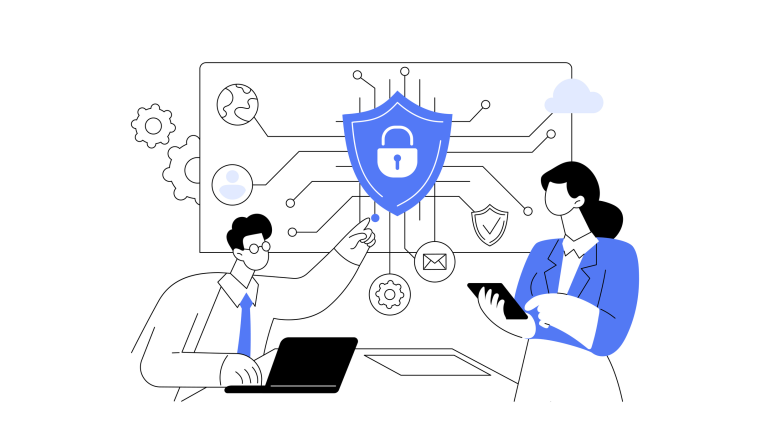
Network security tools are essential to mitigate cyber threats, safeguard intellectual property, secure your finances, protect client information, and conform to certain industry standards. Some ISPs offer internet protection software as an add-on or complementary to their internet plans; signing up or utilizing these tools/services is a convenient option.
Top Network Security Tools for Your Home Office
Firewall Protection
To keep external threats at bay and block malicious traffic
Antivirus Software
To regularly scan all files for viruses, trojans, worms, and other malware
Network Monitoring Tools
To obtain detailed info of all activites happening on your network
Password Manager
To store all paswords in an encrypted digital vault and prevent theft/misuse
Encrytion Software
To prevent unauthorized personnel from accessing sensitive data
VPN Service
To encrypt internet traffic/personal info so it makes no sense to hackers
7. Cloud Storage/Online Backup
At the end of the day, your computing devices are mere machines, and you never know when they might malfunction or stop working. When this kind of incident takes place, the risk of losing important files and information is high.
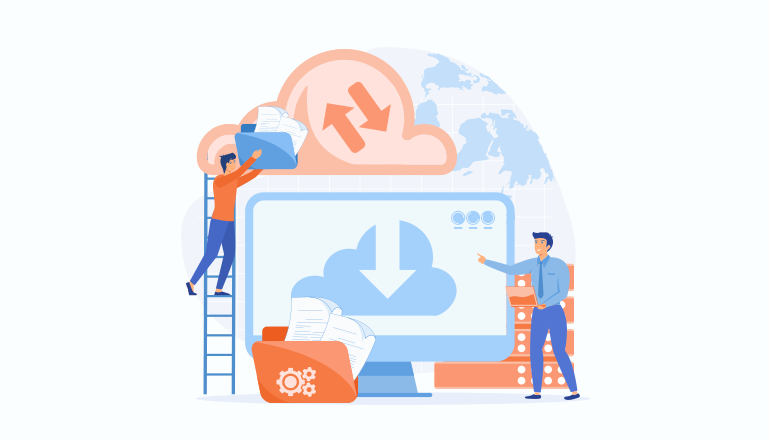
With a data backup online, you can efficiently restore everything to your systems in the event of a catastrophe. You can also use cloud storage so a third party is responsible for safekeeping all your data; you may easily access it and make changes from multiple devices.
Backup Power + Internet Source
Power outages can take away the electricity and internet access of your home office. Internet outages will also leave you disconnected even when the lights are on. You need a backup power and/or internet source to cope with either situation.

Normally, a power outage in the neighborhood does not impact the internet supply. If you can power your modem and router with an alternative power source, such as an external battery backup, UPS, or home generator, you can keep the home office network intact.
In case of an internet outage, you may remain connected with an alternate service, such as your mobile data plan. You can connect multiple devices via mobile hotspot; the speeds may not be up to par with your main ISP, but it’s definitely better than nothing.
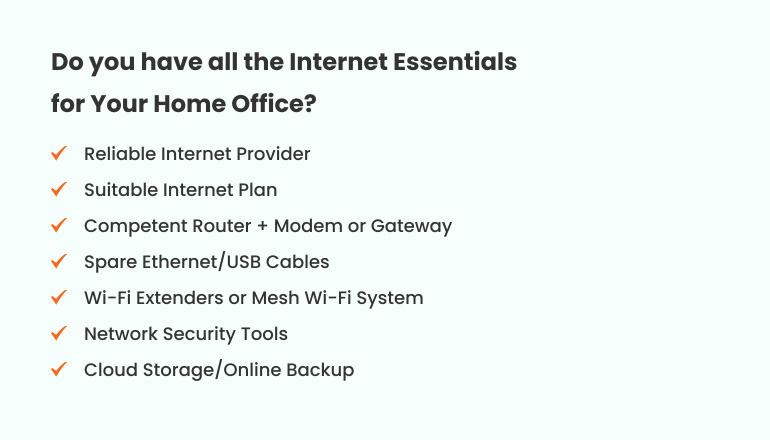
Do you have all the Internet Essentials for Your Home Office?
Other Essentials for Your Home Office
Now that we’re done with the internet essentials, let’s talk about other things you need to complete your home office and increase your productivity at work:
- A comfortable Office Chair, so you don’t feel too stiff and fatigued during prolonged work sessions.
- An Adjustable Desk, so you can switch between sitting and standing.
- Smart Lights to keep the workspace ambient and properly illuminated at all times of the day.
- Office Stationery (pens, notepad, highlighters, etc.) for when you need to write down stuff.
- Powerful Computer for optimum performance.
- High-quality computer accessories, like a keyboard, mouse, headset, webcam, chargers, etc.
- Productivity apps to organize and streamline your work routine.

Check for services and offers available in your area