(855) 771-3154

2025 Broadband Customer Satisfaction Report: Year-in-Review & 2026 Outlook
Clean Up Your Computer Month: Do These 6 Things to Speed Up Slow Internet


It's officially Clean Up Your Computer Month, and your devices need a fresh start just like you!
Over-worked and under-maintained devices are one of the biggest reasons for dropped performance, slow internet, and reduced productivity. Let’s start 2026 with a deep cleanse, not just in the physical world, but in the digital one too.
While the PC clutter may be slowing down your internet, we’re here with some of the best clean-up-your-computer tips to improve your WiFi speed.
Read on to find out:
- January clean-up your computer month tips
- How to optimize your internet performance
January Clean Up Your Computer Month Tips
1. Delete Unnecessary Files
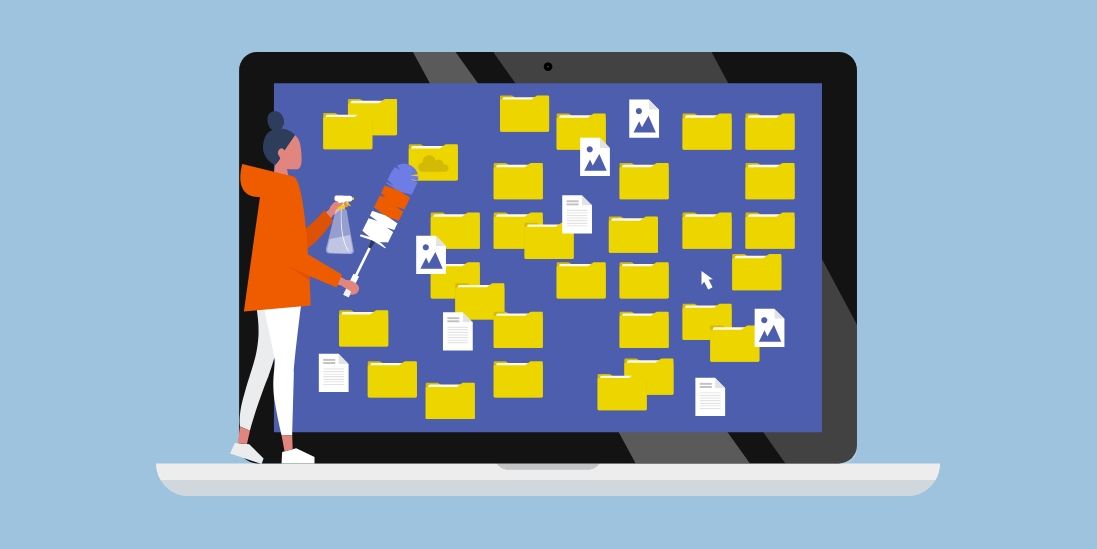
First things first, as you’d start cleaning your space by collecting and throwing away garbage, cleaning your computer starts the same way. Identify all the files, documents, and folders that are unnecessary. It is literally the way to train your brain into feeling greater control. You have more space, less garbage, and the first step is complete!
2. Uninstall Unused Apps to Free Up Space
Second to deleting files and documents are unused apps. Apps take up a lot of space on your computer. If you haven’t used one in around 3 months, chances are you might not need it in the next 6 either. So, instead of holding on to a heavy file, how about starting the year with no strings attached?
3. Organize Data in Folders
Now with so much gone out of your system (literally and metaphorically), it’s time to neatly organize what is left to create an illusion of it’s all under control! Create folders for years/months or tasks/projects, however it makes sense to you, so you can quickly, efficiently, and productively sort and go through data whenever needed.
4. Remove Browser Bloat for Faster Internet
Browser bloat refers to heavy files, code, or web pages open within the browser that slow down its performance. By removing browser bloat, you ensure that your browser activities become more efficient and you face fewer lags online. You can remove browser bloat by doing the following:
- Remove browser extensions that are not in use
- Reduce the number of open tabs on the browser
- Optimize browser settings by turning off features not in use
- Clear cache and cookies to unload the browser
Thinking your Wi-Fi might be the problem for slow speeds? Find out how many devices are killing your internet speed.
5. Run Malware Scans for Security Check
Malware scans are particularly important when cleaning up your computer for improved internet performance, as malware consumes your bandwidth. By using the internet to download and send data, the malware uses up your data, compromising your speed and performance. Make sure to install anti-malware software to scan, detect, and remove any such attacks on your PC.
6. Run a Disk Cleanup to Check Health
A disk cleanup helps clear off any system junk, old downloads, temporary files, and recycle bin material. This helps make more space in your computer’s hard drive so it can utilize it for performance-intensive activities and deliver a faster responding system.
How to Optimize Your Internet Performance?
Once you have cleaned your computer as mentioned above, both your PC and the internet will likely perform better automatically. However, if you still feel that your internet is not running at the speeds promised by your ISP, try the following tricks:
- Reposition your router
- Upgrade to a mesh WiFi router
- Upgrade your internet security
- Take a speed test to check how much speed you’re getting
And, if all of the above seem okay, maybe you just need a faster internet connection. Take a quick zip check to see which providers are available in your area and upgrade to a higher speed plan!
Want to explore high-speed internet providers in your area? Browse all available options!
Frequently Asked Questions
How to improve WiFi speed? ![faq arrow icon]()
You can improve your WiFi speed by:
- Checking the health of your WiFi router
- Upgrading your WiFi
- Running a speed test
- Upgrading to a higher speed plan
How can I improve my computer performance? ![faq arrow icon]()
You can improve your computer’s performance by:
- Restarting it regularly
- Installing a good anti-virus or anti-malware software
- Deleting and uninstalling extra files or unused apps
Get more useful tips on improving computer speed by reading this blog.
How do I know what internet speed would work for me? ![faq arrow icon]()
To find out the most suitable internet speed for your home, check out how much internet speed you need on our resource.

Check for services and offers available in your area