(855) 771-3154
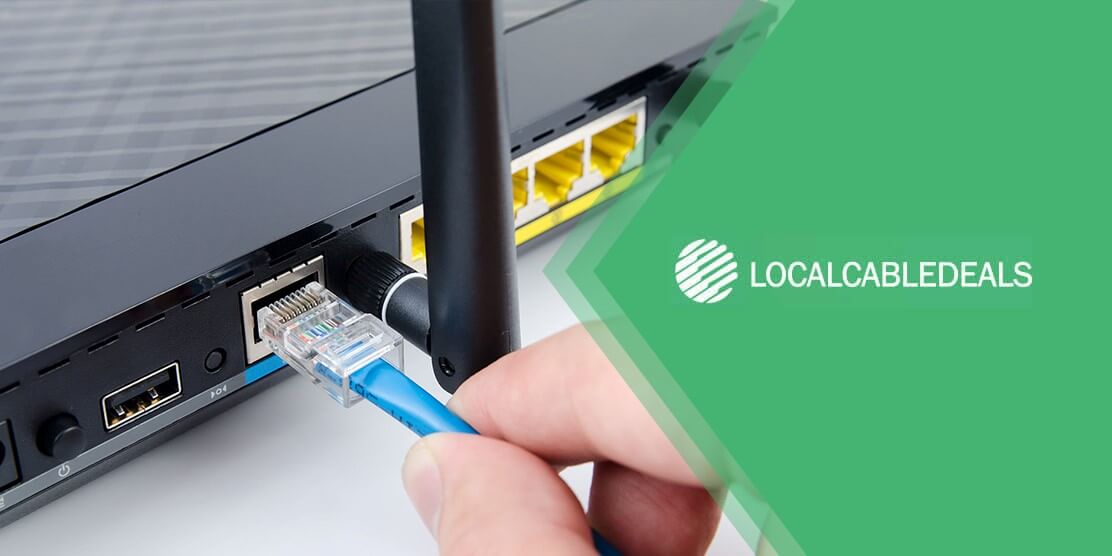
When subscribing to Spectrum TV, you do require a few digital cable boxes for every TV in your house. A cable TV box with Spectrum guarantees a great viewing experience. Once the cable box is installed, you cannot miss the crisp sound or high picture quality of the channels. For each TV, Spectrum provides a cable box at an additional rental fee, which is $10 a month only.
We have good news for you if you’re looking for ways to avoid investing in boxes for every TV set in your home! You may also watch Spectrum TV® without requiring a bunch of cable boxes in the house. Let's talk about how you can watch spectrum cable without having several boxes on different TV sets.
How to Watch Spectrum Cable Wirelessly?
Once upon a time, people couldn’t even watch the basic news channels without cable boxes. Now, you can absolutely escape the box by acting cleverly and saving money as a subscriber for Spectrum. Want to know how? Spectrum TV App is here to help you watch channels online. It is the same as watching TV channels without needing a cable box, which can also be used in other ways – Roku is one of them. You would be happy to know that Roku is available for the Spectrum channel lineup. It does this by broadcasting the entire cable content online.
Not just that, you can access, in addition to broadcasting channels, the on-demand content and premium channels added to your Spectrum package. If you have already subscribed to any Spectrum plan and are using high-speed WiFi powered by Spectrum Internet®, there would be no issues with your connectivity and you’ll enjoy high-quality content with ease.
How to Install Spectrum App on Roku?
The Spectrum TV App needs to be installed on Roku, which can be downloaded from the Roku App Store. The Spectrum App may come pre-installed in case you are replacing a new Roku system. In other words, you don't need a Spectrum cable box anymore. You just need to log in by entering your credentials once the Spectrum App has been installed. After signing in, sit back and relax, while you take a peek at all the splendid channels provided by the Spectrum Channel Lineup, that too without paying anything extra for the cable boxes.
Furthermore, you may contact 24/7 Spectrum Customer Service in case of any confusion regarding their services, or even if you need help with something as small as finding a specific channel, do not hesitate to contact them. They are a team of high-professionals, always ready to take care of all your issues.
How to Get Rid of Extra Cables?
If you're looking to get rid of your HDMI cables, you may purchase post-market HDMI transmitters that broadcast on your WiFi networks. That would be a fairly pricey way of getting rid of a cord. If you achieve this, you would be able to change channels on your box with the Spectrum app using your smartphone. But, that's it, no power on/off, volume, or other controls.
Summing Up,
Spectrum TV offers the ultimate solution for providing high-quality entertainment through outstanding packages. It is quite inexpensive and you can save money more by avoiding the cable box rental payment using the basic methods described above. You would not face any glitches within the connectivity, especially when you’re connected to Spectrum Internet. Also, upgrading your Roku device or router is another smart idea to avoid any disturbance, if you've got an old one.