(855) 771-3154
Let us be honest, that be it internet, TV, or phone service when you face problems, your life becomes difficult especially when you face problems with these services. Though as a user of the spectrum, you can always reach out to Spectrum customer service whenever you face any issue the question is do you have the time to wait? Or you want to resolve your problem on your own without wasting any time? We are committed to bringing solutions for people who might face issues with any of the services mentioned above. By doing thorough research, we have prepared a comprehensive guide in case if you face any issues with your service, you can always try to work it out by following simple, yet effective hacks that we are mentioning.
Spectrum offers a solid HFC connection that provides strong signals in it is very rare that any user faces issues but they do occur once in a while. There are some simple hacks that you can try whenever you face signal issues or any trouble with your services.
Test your internet speed
The first step that you should do when you feel like your internet is not working properly or you are facing a speed lag, what you should do is to run a speed test. You can easily find many testers online, simply add your query in the Google search box, and you may find many options. If you want accurate and proper reserves then you must follow a few steps before running the speed test.
- Turn off all the unnecessary devices that you do not need to use.
- Make sure that the Wi-Fi has been turned off on other devices like your tablet, mobile phone all laptops.
- Run a speed test on one device while the others are not consuming your Internet data to get accurate results.
- Repeat this test three times just to make sure that your results are accurate.
Try to restart your devices
Sometimes when you are using your devices for a longer time, they start functioning slowly and they affect the internet speed. It is also advised by technology experts that, you should refresh your devices once a while because it removes the bugs, that cause your device is it to work slowly.
Check the apps that are left running
Most of the time we are not even aware that there are apps that will leave running in the background. If you leave an app running in your background, and even if you are not using it at the moment, it will consume your internet that can cause your internet to work slowly. Remove all the apps that you live in the background of your mobile phone or Tablet. Ask your kids at home to do the same because kids always leave after running and it keeps consuming your Internet data.
Reboot to remove bugs
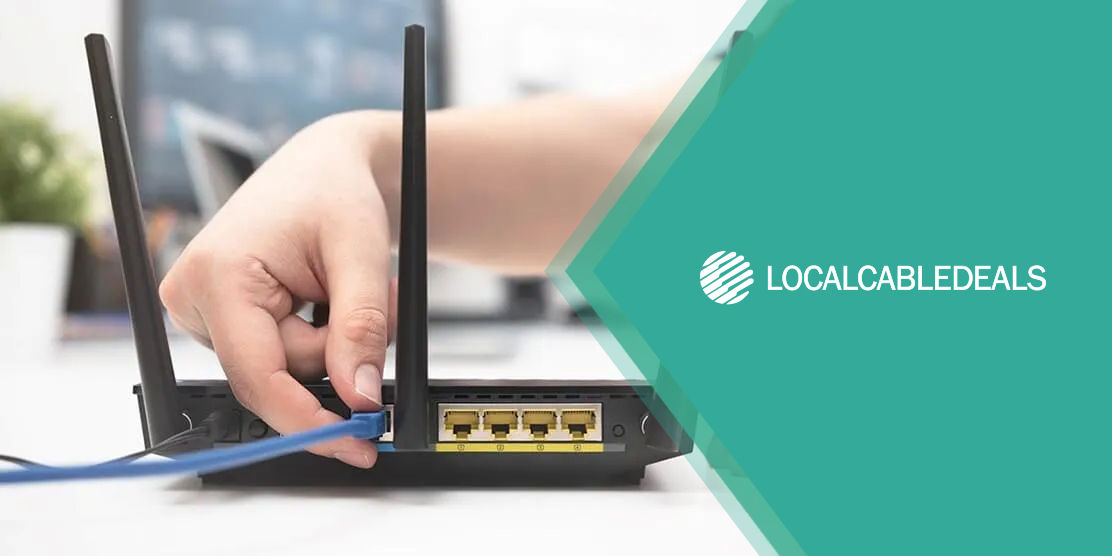
At times your equipment that includes modern and router can cause a problem which can easily be resolved. If you notice that your modern and router are heated, you should restart them because the reason behind slow internet speed can be e bugs that cause your equipment to work much slower. Once you reboot your equipment wait for a few minutes and notice the light on the equipment until it starts blinking. If you do not get the desired results in the one go, then try it three to four times because sometimes, it can take some time.
Connect a compatible number of devices
Imagine that you plan a road trip with your friends, and you are 10 in total. When you are about to leave you to get to know there is only one car, no matter how fast your car is, all of you will not be able to fit in and even if you do, you are right will not be comfortable. The reason behind giving you this crude example is that your internet plays the role of a car, your equipment that can be your devices like tablet, cell phone, smart TV, computers, laptop, etc. are more than the compatible number of devices with your internet speed, you will face issues.
We will advise you to choose a higher internet speed when you sign up for internet or you can also change your internet speed with spectrum at any time you want. Go for higher internet speed if your internet use is extensive or if there are more devices that you want to connect to. Once you get a compatible speed, along with your devices, you will see a fair difference in the internet speed that you get.
In the case of Spectrum Stream TV
The best way to resolve the spectrum TV problem is by refreshing your equipment.
- Open your spectrum app.
- Add your credentials.
- Click on the 'services' option that you will see on your screen.
- Choose the 'TV' option.
- You will see the 'experiencing issues' option click on that.
- Restart the equipment.
- By following this procedure your TV box will be refresh in if there are any issues in the picture quality, they will get resolved. In case if you face issues even after you have tried this hack, you can contact the spectrum customer service department and report your issue at any time because they are available and their vigilant customer service representatives will guide you around the clock, 24/7.
Summing up
Issues can occur at any time, with your internet or TV, but if you are aware of how you can take care of it by yourself, you can get it resolved on your own in time, by following simple hacks that are mentioned above.