(855) 771-3154

We all have our bad days, but one thing that always manages to cheer me up is retail therapy! Most days, happiness is just “a new pair of shoes” or “a cute handbag on sale.” Therefore, if life gives you money, go shopping - it’s more fun and cheaper than visiting a shrink.
The abundance and diversity of e-commerce platforms have made our lives easier. You can order literally anything from an online store nowadays, and seasonal discounts are the cherry on top. That being said, online shopping has its caveats…

10 Tips for Safe and Secure Online Shopping
Even though buying stuff through apps and websites saves us time and money, it can expose us to cybercrimes. Almost every avid online shopper has experienced some sort of scam or fraud at some point. It has happened to the best of us, so nothing to be embarrassed about.
Shopping from mortar-and-brick stores is not risk-free either – it’s all about adopting safe shopping practices. Today, I’m going to share my best security tips for online shopping, so you never get conned in cyberspace again.
1. Beware of “Too Good To Be True” Deals
Those ads that pop up on social media featuring unrealistically cheap items are red flags 99.9% of the time. Similarly, phishing emails showcasing amazing discounts or free gifts from supposed online retailers are bad news.
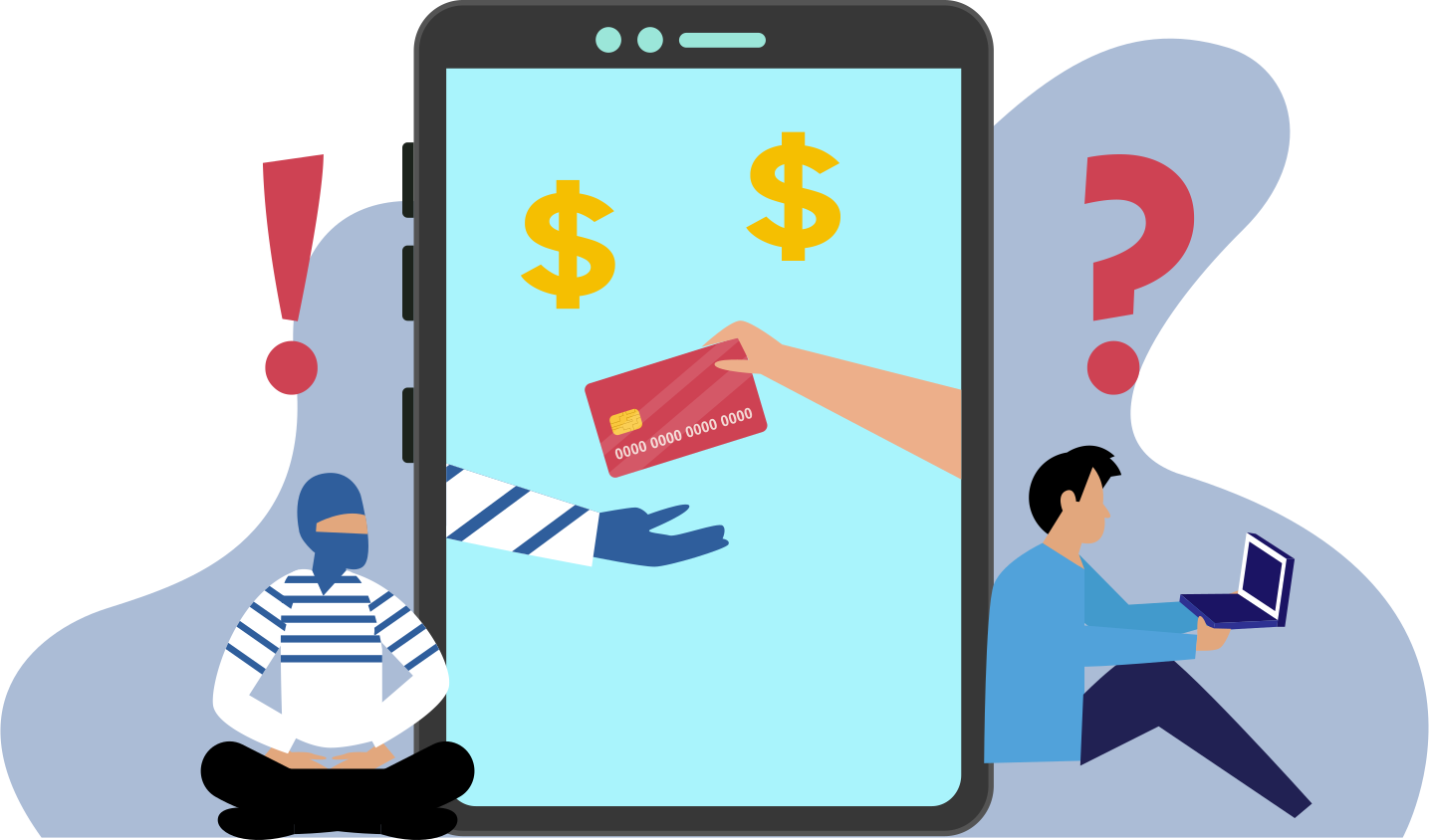
When your gut tells you that it’s too good to be true, it probably is, so don’t ignore it. Don’t click on links that belong to unknown sources as these are malicious tricks to steal your data and breach your privacy. Retail scams are most prevalent during popular sale seasons, such as Black Friday, so beware!
2. Stick to Familiar Platforms
You can’t go wrong with renowned e-commerce platforms like Amazon, Etsy, and Walmart; you can find all imaginable items there – so why wander to sites that lack a trustworthy repute? These platforms showcase authentic products and secure payment options, so shopping doesn’t have to be a gamble.
Stay away from fake websites that try to mimic famous online stores; always check for “https” at the beginning of the URL, and look out for minor spelling mistakes in the domain name. Some scammers create outstandingly sophisticated website clones that can easily fool unvigilant consumers.
3. Scrutinize New Sellers
Lots of new international e-commerce platforms have emerged in recent times, and many of them are delivering quality products. If you are eager to try a new shopping app or website, do your research before placing an order; have a good look at their privacy and return policies while you’re at it.
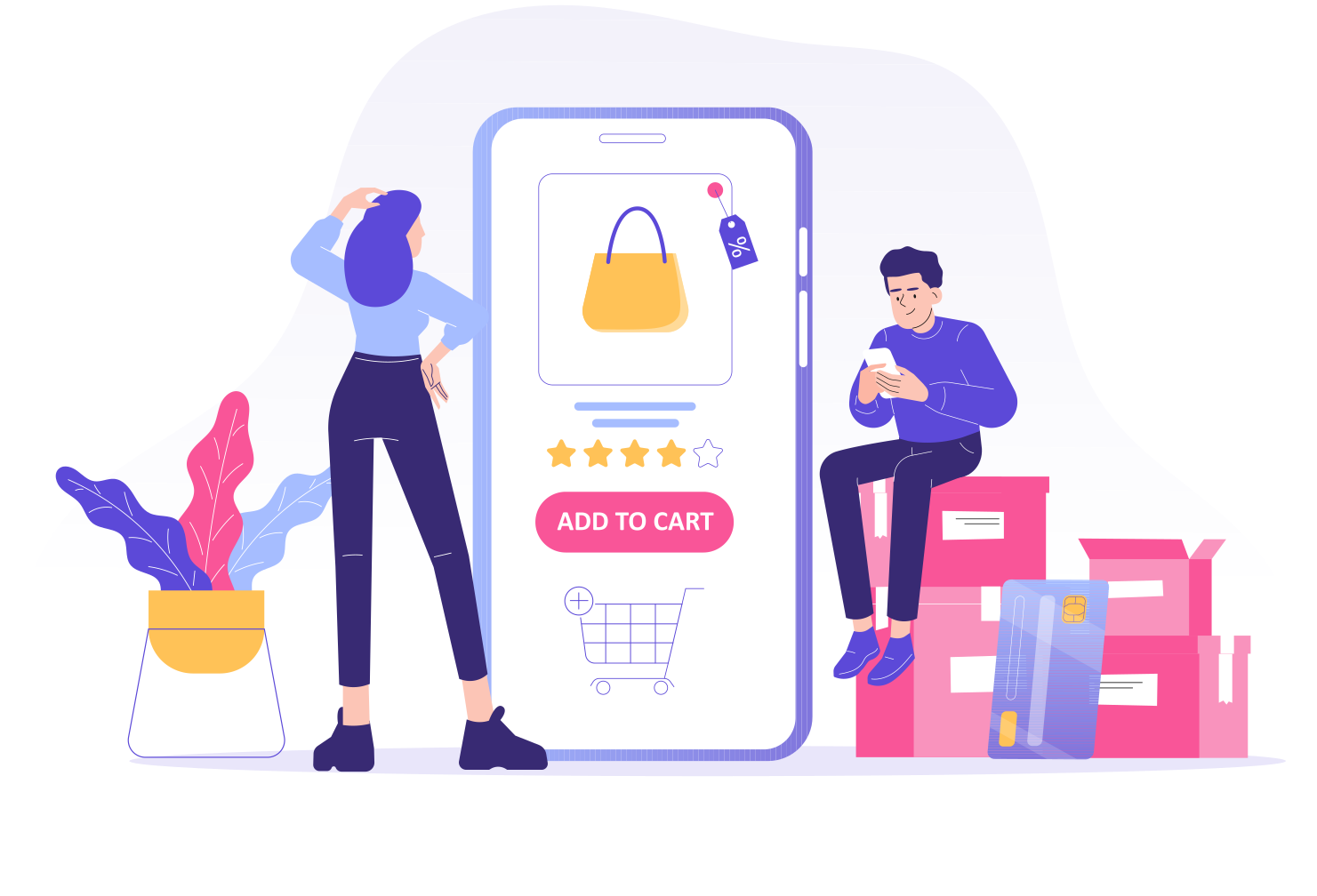
Checking the platform’s social media presence helps a lot. If the shopping app is relatively new and all the reviews are overwhelmingly positive, it’s probably a sham; genuine sites generally have mixed reviews. You can also check a website’s trust score on places like Trustpilot.
4. Avoid Using a Debit Card
Debit cards are linked to your bank account, which is why using them on an e-commerce platform you do not completely trust is a huge risk. Identity theft or an emptied bank account is the last thing you want to deal with, so go with failsafe payment methods.
Using a credit card or PayPal is recommended for online purchases as they protect you from liability in the event of a fraudulent transaction. You can also use mobile payment apps like Google Pay or Apple Pay that verify your identity on your device before approving a transaction.
5. Holdback Personal Info
Online retailers don’t need your biography, and they have no right to demand personal details. The less you share about yourself on these platforms, the safer it is. Any personal info beyond your chosen payment method and shipping address should be off the table.

If you have to fill in a customer profile, there’s no harm in creating an alter ego. You don’t have to provide your accurate date of birth, and it’s more than okay to use a pseudonym. Lying a little on e-commerce platforms to protect yourself is totally acceptable.
6. Don’t Shop on Public Networks
Online stores let you shop from anywhere at any time, which is cool, but I’d suggest you be wary of the first part. Making an online purchase while you’re connected to a public Wi-Fi hotspot is “dicey,” to say the least.
Free and open Wi-Fi in public places lacks proper encryption, which means your personal and sensitive information is more susceptible to hackers on the network. If you have to shop using a public hotspot, connect to a virtual private network (VPN) first; this will prevent cyber-stalkers from intercepting your data.
7. Make Use of Security Tools
Fortifying your system and network with adequate security tools minimizes exposure to cyber threats. Equip your devices with reliable antivirus software to protect your operating systems from all kinds of malware. Keeping your software updated is equally important to prevent security issues.
Whenever you visit an online shopping platform, you leave a digital footprint, i.e., traces of your personal life. Websites can collect this data and use it to their advantage without your consent. Using a personal data removal service like Privacy Bee can protect your privacy.
8. Apply Strong Passwords
Using strong passwords for all online accounts, including the ones you make for e-commerce platforms, is crucial. Long passwords that are a combination of upper + lower case letters, numbers, and symbols are the hardest to guess and hack.
Some of us have a habit of using the same password for every website and mobile application, which can lead to disastrous consequences. If one of your online accounts is compromised, the others are automatically exposed; thus, consider using a password manager app for keeping all your complex passwords in one place under lock and key.
9. Enable Multi-Factor Authentication
It never hurts to add an extra layer of security to your online accounts that involve financial transactions. By enabling multi-factor authentication, you can include extra steps for online payments to be approved; this effectively eliminates the possibility of unauthorized access.
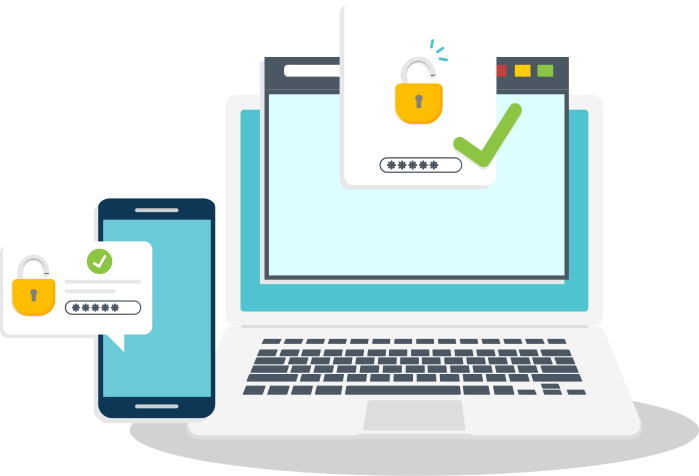
One common example of multi-factor authentication is the generation of a one-time code that is sent to your personal number or email address. You have to provide this code within a limited time frame to prove your identity.
10. Keep Track of Financial Statements
Many people don’t realize that they’ve been swindled until it’s too late. Check your bank and credit card statements as often as you can, so you don’t miss out on any suspicious activity. The sooner you identify and report an anomaly, the quicker the damage control – also, the better the chances of complete recovery of losses.
How to Deal with an Online Shopping Scam?
Sometimes, our judgment fails us, and we make bad decisions. In case you fall victim to an online shopping scam, focus on making it right rather than feeling remorseful. Take the following steps to make the best of the bad situation:
- Reach out to the platform’s customer support to discuss return & refund policies
- Contact the bank, credit issuer, or other concerned party
- Freeze your Debit/Credit card
- Report the incident to the Federal Trade Commission (FTC)